
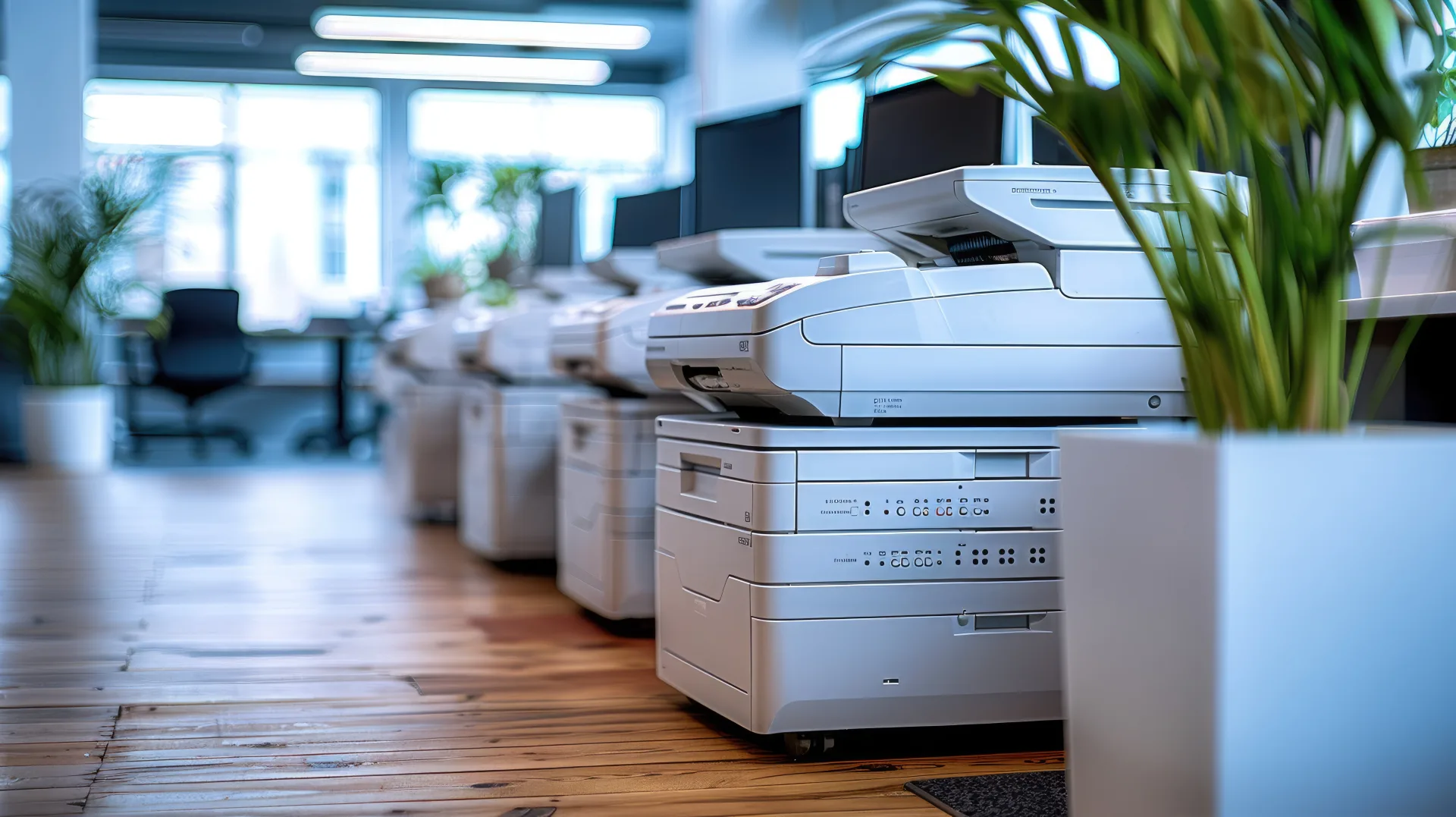
LABUSA provides API-to-Fax integrations for educational organizations where copier and scanner devices, or the document workflows around them, need to submit scanned documents into the electronic fax service.
This page describes the pattern in aggregate. It names no customer, and it carries no volumes or deployment sizes.
The shape of it
The chain is short and each link is replaceable:
Copier or scanner, to an application or connector, to the LABUSA eFaaS API, to the fax network, to the destination.
The important part is the second link, and it is the part that varies most. Depending on the environment and on what the devices can do, the workflow may use copier address-book functions, scan-to-email, scan-to-folder, applications running on the device, print-management software, document-management software, middleware, a custom connector, or an application that calls the API directly.
What matters is not which of those is used. It is that the scanned document enters an application workflow and is then submitted programmatically to the fax service, rather than being carried to a separate machine and dialed by hand.
A caution about device fleets
Copier and scanner fleets are not uniform, and it should not be assumed that every vendor or every model supports the same integration pattern. Capabilities differ between manufacturers, between model ranges from one manufacturer, and between two identical devices with different firmware or licensing.
This is why the connector is chosen after the fleet is examined rather than before. A pattern that works on the newest devices in a district may not exist on the ones in the older buildings, and those are frequently the buildings still relying on a fax machine.
The transmission flow
- A user scans a document from a multifunction copier or scanner.
- The device, or an associated application, captures the document.
- Destination fax information is collected.
- An authorized integration submits the document and the fax metadata to the LABUSA eFaaS API.
- LABUSA processes the fax transmission.
- Transmission status is returned to the calling system.
- The originating workflow can display, log, store or route that status.
The last step is the one that repays attention. A status returned to a system that does nothing with it is a status nobody sees. Routed back into the workflow that caused the scan, it becomes part of a record somebody will look at.
Where this is used in schools
- Administrative documents moving between offices and outside organizations.
- Student-related records where fax remains part of an approved workflow.
- Inter-office and external document transmission.
- Forms sent to third parties that continue to require fax.
- Replacing standalone fax machines connected to multifunction devices.
- Centralizing fax services across multiple school locations.
The fifth of those is often the trigger. A multifunction device with a fax board and an analog line attached is a machine, a line and a maintenance obligation per building, and the device is perfectly capable of scanning without any of them.
Requirements that have to be evaluated
Educational organizations commonly have obligations under education records, health, public records, retention or privacy rules, and each must be evaluated during implementation rather than treated as satisfied by an integration. The obligation stays with the organization that holds the records, and no integration pattern discharges it.
What an integration does supply is the material an assessment needs: submission by an authorized system rather than by physical access to a device, a record identifying which system submitted and on whose behalf, and a status that can be tied to the case or record that caused the scan. Our page on electronic fax for K-12 schools and school districts works through where fax sits in district workflows and what to settle first.
What we establish before building one
- What the fleet actually is, model by model, and what each device can do.
- Where the destination number comes from, and whether it is transcribed by hand.
- Which system will hold the credential, and how it will be rotated.
- What the calling workflow will do with a status, including a failure.
- Which numbers must be preserved, since porting usually sets the timetable.
Why the connector is the interesting part
The API end of this is the settled part. It authenticates, accepts a document and a destination, returns a job identity and later a status, and behaves the same regardless of what called it.
Everything upstream of that is where the work is, because it is where the environment is. A district with a recent, uniform fleet under one management platform has a straightforward path: the platform already knows how to deliver a scan somewhere, and the connector turns that delivery into an API call. A district with three generations of device from two manufacturers, some of them managed and some not, has several paths and will probably use more than one.
Neither situation is unusual, and neither is a problem with the service. It is worth saying because integration effort is often estimated from the API documentation, which describes the easy end.
What it does not do
It does not verify that the destination is correct. An integration sends precisely where it is told, faster and more consistently than a person would, so a workflow drawing numbers from a poorly maintained field will misdeliver more consistently too. Whatever checking a person did when reading a number off a form has to be rebuilt somewhere in the workflow.
It also does not make the received document structured. The far end still produces a page image, and anything downstream that needs the content still has to extract it.
Where to go next
For the general integration mechanics, independent of any provider, see API-to-fax integration. For how this path relates to email and inbound, see the architecture page. To discuss a specific fleet, tell us what you are working with, or see the feature overview.
Sources
- NIST SP 800-53 Rev. 5, Security and Privacy Controls for Information Systems and Organizations. The access control and Audit and Accountability families behind the credential and record points above.
- What is FERPA?, U.S. Department of Education, Student Privacy Policy Office. The scope of education records, for organizations assessing which of their workflows it reaches.