
Connect Your Email and Applications to Fax
LABUSA provides hosted fax services that connect email, business applications, and automated workflows to the fax network, without asking your organization to run traditional fax servers or dedicated fax infrastructure.
Whether your staff send and receive faxes through email, or your business applications need to transmit documents automatically, LABUSA provides a fax solution built around the way your organization already works.
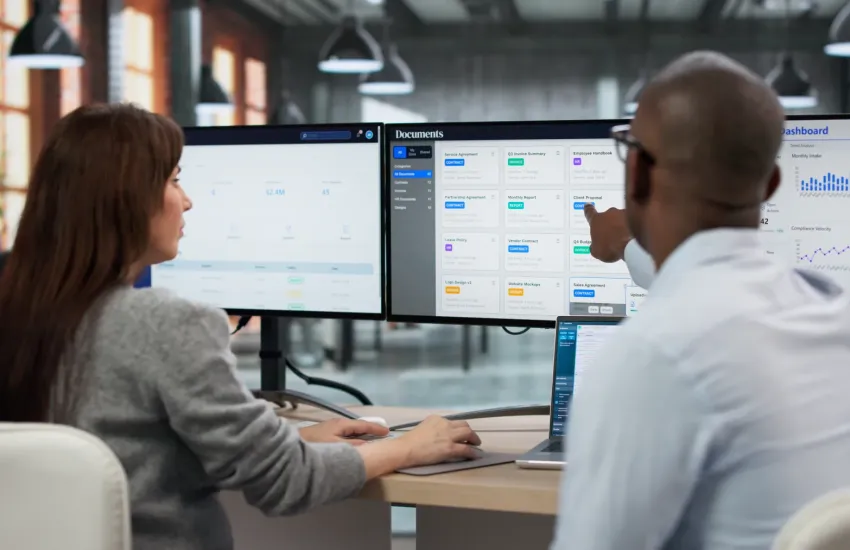
Email-to-Fax & Fax-to-Email
Turn email into your fax interface.
LABUSA Email-to-Fax and Fax-to-Email let people send and receive faxes using the email workflows they already know. The service can work with LABUSA hosted email, or with your existing supported email environment.
That modernizes fax communications without asking staff to learn a separate system. Read how LABUSA Email-to-Fax works
API-to-Fax
Put fax capabilities directly into your applications.
LABUSA API-to-Fax lets software applications and automated workflows communicate directly with the LABUSA fax network. The originating application starts the fax as part of its normal process, instead of asking somebody to download a document and send it separately.
How Email-to-Fax and Fax-to-Email Work
The sequence is short from the sender's point of view, and it asks nothing of the recipient. They receive a fax on a fax number, exactly as before, which is usually the reason the channel is still in use.
Sending a fax
Email, then the LABUSA fax service, then the fax network, then the recipient.
- An authorized user prepares an email and attaches the document.
- The destination fax number is written in the addressing format defined for the service.
- LABUSA eFaaS accepts and processes the submission.
- The document is converted to a fax compatible transmission.
- The service delivers it to the destination fax endpoint.
- Delivery status can be returned to the user, or to the workflow that started it.
Receiving a fax
Incoming fax, then the LABUSA fax service, then the email inbox.
- LABUSA receives the fax on your assigned fax number.
- The transmission is converted into a digital document.
- The document is routed to the designated email recipient or recipients.
Read a fuller explanation of how electronic fax works over email
Use Your Existing Email Environment
You do not have to move your email service to LABUSA in order to use LABUSA fax services. Email-to-Fax and Fax-to-Email can be integrated with supported customer email environments, and LABUSA can also provide hosted email where an organization wants email and fax from one provider.
Supported environments commonly include Microsoft 365, Google Workspace, and other hosted or on premises email platforms. Integration is evaluated against your email platform and your requirements rather than assumed, so tell us what you run.
What organizations typically use it for:
- Individual fax numbers for named staff.
- Department fax numbers.
- Shared fax destinations.
- Incoming faxes delivered to designated mailboxes.
- Sending documents directly from email.
- Replacing traditional fax machines.
- Supporting remote employees on the same terms as office staff.
- Supporting several offices.
- Centralizing fax services across the organization.
Email is the interface. It is not a security control, and it confers no regulatory status on the documents it carries. Email-to-fax security considerations sets out what actually decides the outcome.
Put Fax Capabilities Into Your Applications
LABUSA API-to-Fax services allow software applications and automated workflows to communicate directly with the LABUSA fax network. The originating application starts the fax as part of its own process, rather than asking a person to move a document between systems.
LABUSA provides an API that can be integrated with compatible applications and workflows. The application types that commonly need it include:
- CRM, meaning customer relationship management systems.
- EHR, meaning electronic health record systems.
- ERP, meaning enterprise resource planning systems.
- Document management systems.
- Case management systems.
- Workflow systems.
- Web applications and customer portals.
- Custom business applications.
Which of those applies to you, and what the integration looks like, is settled after we look at your environment. Electronic fax APIs explained covers the general shape.
How API-to-Fax Works
Business application, then the LABUSA fax API, then the fax network, then the recipient fax.
- Your application creates or selects the document. It originates in the CRM, EHR, ERP, document management platform, scanner workflow, or custom application you already use.
- The application sends the fax request to LABUSA. It submits the document and the transmission information through the LABUSA fax API.
- LABUSA processes the fax. The service accepts the request and submits the document through the LABUSA fax network.
- The application receives status information. Transmission status can be returned to the originating system, so the business application can record it or act on it.
The last step is the one that repays attention. A status returned to a system that does nothing with it is a status nobody sees. Routed back into the workflow that caused the fax, it becomes part of a record somebody will look at. Read how LABUSA builds these integrations
Make Fax Part of the Business Workflow
API integration earns its keep when fax is one step inside a larger business process.
Create the document, submit the fax, receive the status, update the record.
Instead of asking employees to carry a document between systems by hand, fax transmission becomes part of the application's own workflow. That can remove manual steps while leaving the originating CRM, EHR, ERP, or business application as the system of record.
Connect Scanner and Copier Workflows to Fax
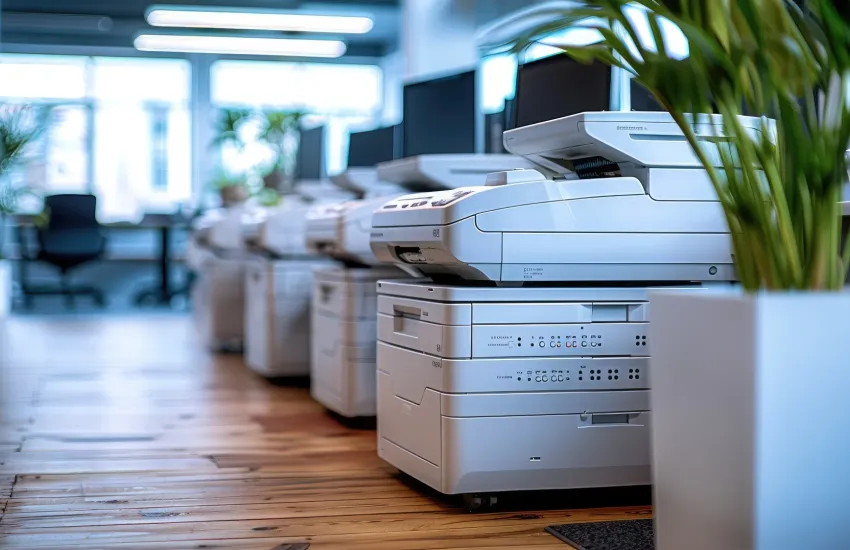
Organizations that use multifunction printers, copier scanners, or document scanning systems can often connect those workflows to LABUSA fax services. Somebody scans a document on the device they already use, and the integration routes it to LABUSA for transmission.
Copier or scanner, then an application or connector, then the LABUSA fax service, then the fax network.
The middle link is the part that varies most. Depending on the environment it may use copier address book functions, scan to email, scan to folder, applications running on the device, print management software, document management software, middleware, or a custom connector.
Copier and scanner fleets are not uniform, and it should not be assumed that every vendor or every model supports the same integration pattern. Capabilities differ between manufacturers, between model ranges from one manufacturer, and between two identical devices on different firmware. That is why the connector is chosen after the fleet is examined, not before.
The pattern suits schools, government agencies, administrative offices, records departments, healthcare environments, and organizations with staff spread across several buildings. See how it applies in K-12 schools and districts
One Fax Platform, Multiple Ways to Connect
| Solution | Connection | Best for |
|---|---|---|
| Email-to-Fax | Email to fax | Staff sending fax documents from email |
| Fax-to-Email | Fax to email | Individuals and departments receiving inbound faxes |
| API-to-Fax | Application to fax | CRM, EHR, ERP, portals, and custom software |
| Workflow integration | Business process to fax | Automated document and application workflows |
| Scanner and copier integration | Scanner to workflow to fax | Organizations that need fax from multifunction devices |
You can use one approach or combine several. Staff may send and receive routine faxes through email while a CRM, EHR, copier workflow, or custom application submits automated fax transactions through the API.
Dedicated Fax Numbers
Dedicated and toll free fax numbers, routed to an individual, a department, or a shared destination. Existing numbers can often be ported, and porting usually sets the timetable for everything else. Migrating from an on premise fax server works through the sequence.
Web Based Administration
A browser based portal for managing supported fax functions, accounts, and transactions, so administration does not depend on physical access to a device.
Transmission Tracking
Fax transmission status, delivery confirmation, and a queryable record of what was sent and received. Electronic fax audit trails explains what a record has to contain to be worth keeping.
Digital Fax Delivery
Incoming transmissions are converted into digital documents and delivered electronically, so a received fax lands where the people who need it already work.
Mobile Access
Send and receive faxes from a smartphone or tablet, on the same terms as staff working in an office.
Supported Document Formats
LABUSA Fax supports multiple file formats, including:
- Word (.doc, .docx)
- Excel (.xls, .xlsx)
- PowerPoint (.ppt, .pptx)
- TIFF (.tif)
- PDF (.pdf)
- Plain text (.txt)
Security and Access Controls
Encrypted document transmission and storage, named accounts and access control, a queryable record of every transmission, and retention you configure to match your own schedule.
Where your documents fall under HIPAA, GDPR, PCI DSS or sector specific rules, the obligation to meet them stays with your organization. What LABUSA provides is the material an assessment needs. Our page on electronic fax and HIPAA compliance works through what that obligation actually requires of you.
Which LABUSA Fax Solution Fits Your Environment?
- Your staff mainly send and receive faxes by hand. Email-to-Fax and Fax-to-Email.
- You already have an email platform. Connect your supported existing email environment to LABUSA Fax.
- You want LABUSA to provide email as well. LABUSA hosted email together with fax.
- Your CRM, EHR, ERP, portal, or custom application needs to send faxes. The LABUSA fax API.
- You use multifunction copiers and scanners as part of document workflows. API or workflow based scanner integration.
- You have both user driven and automated fax requirements. Combine Email-to-Fax, Fax-to-Email, and API integration.
Modernize Fax Without Rebuilding Your Business Processes
Many organizations still exchange documents with agencies, healthcare providers, schools, businesses, and legacy systems that depend on fax. Modernizing fax does not have to mean eliminating it.
LABUSA lets you keep fax connectivity while reducing your dependence on fax machines, locally managed fax servers, and dedicated analog lines. For an organization with machines in several buildings, that is usually what carries the argument: a device per location means a line per location, a maintenance obligation per location, and somebody on each site who knows how it works. Cloud fax compared with on premise fax sets out the trade.
Let's Design the Right Fax Solution
Your organization should not have to change the way its staff or its applications work just to modernize fax.
LABUSA can review your current fax environment, email platform, applications, fax numbers, scanner workflows, and integration requirements, and recommend an approach based on how your organization actually uses fax.