
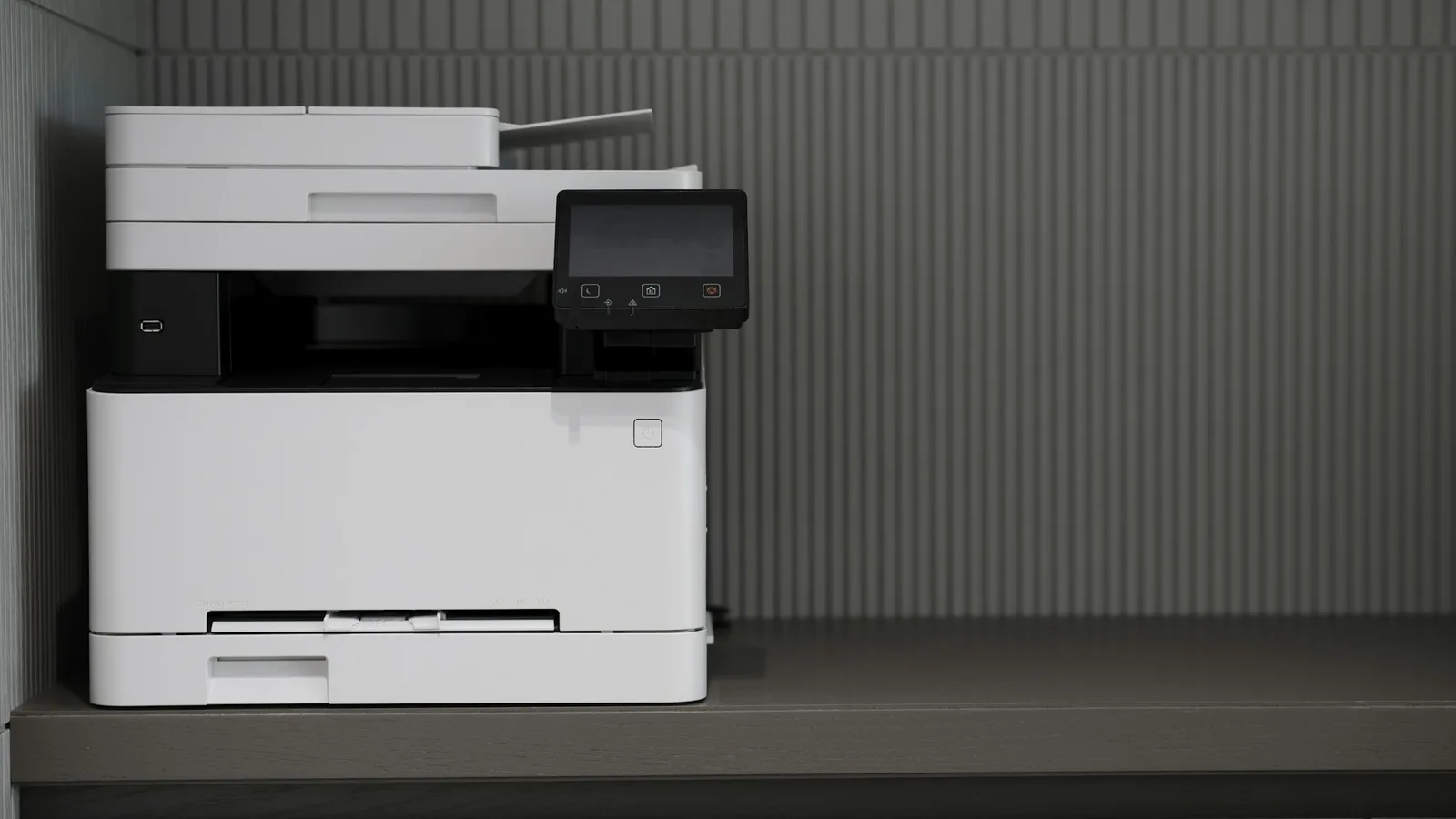
Replacing a fax machine sounds like a small job: sign up for a service, unplug the machine, done. In a medical practice, it carries one large risk that is easy to miss. Documents keep arriving while the change happens. A referral sent to the old number during the switchover, a result that lands on a line that has just been disconnected or a payer decision that reaches a machine nobody checks any more can each affect a patient.
This plan is written for a practice moving from one or more fax machines to an online fax service. It keeps your numbers reachable throughout, puts every fax in front of the right person from the first day, and retires the old equipment safely. For the general version of this move, see our guide to migrating from fax machines to cloud fax. If your practice runs its own fax server, read how to migrate from an on-premise fax server alongside this one.
Step 1: Take an inventory
Write down what you have before changing anything:
- every fax number the practice uses, and which machine or line each one reaches;
- every device that sends or receives fax, including multifunction printers;
- who uses each number, and for what kinds of documents; and
- where each number is published: forms, letterhead, cover sheets, payer portals, online directories and referral partners' contact lists.
The last item is usually the longest list and the most valuable. It is the list of places that will keep sending to your numbers whatever you change.
Step 2: Decide what happens to each number
For each number, decide whether to keep it or replace it. Keeping an established number is usually the right choice for any number that referral partners, labs and payers already use, because it avoids asking dozens of organizations to update their records. Existing numbers can often be ported to an online fax service, subject to eligibility with your current carrier. Confirm eligibility and timing with the new provider before setting a cutover date.
New numbers are useful where you want to separate traffic, for example a dedicated referral number. Our guide to routing incoming faxes to the right team explains how separate numbers simplify the work.
Step 3: Design the inboxes before the first fax arrives
Decide where each number delivers, who owns each destination, who backs them up and how each team will claim faxes. Setting this up before cutover means the first fax that arrives online lands in front of the right person. Our articles on shared fax inboxes and minimum necessary access cover the design.
Step 4: Set up accounts and test
Create a named account for each person who needs one, rather than shared logins. Then test in both directions with a partner you trust, such as a colleague's office: send a multi page document, receive one, confirm the delivery records, and check that the right people saw it. Testing with a document that contains no patient information is the safest way to start.
Step 5: Plan the cutover window
The cutover is the moment a number stops reaching the old machine and starts reaching the new service. For a ported number, that moment is set by the port, and a short gap or overlap is possible. Plan for it:
- Choose a date with ordinary volume, not the first business day of the month or a known busy period.
- Keep the old machine connected and watched until you have confirmed that faxes to that number are arriving online.
- Send a test fax to the number from an outside line once the port is reported complete, and confirm it arrives in the right inbox.
- Ask staff to note anything unexpected during the first few days, such as faxes still printing on the old machine or arriving in the wrong inbox.
Only disconnect the old line once you are satisfied that every number is reaching the new service.
Step 6: Tell your senders
If you kept your numbers, most senders need to do nothing, which is the advantage of porting. If you added new numbers, tell your highest volume senders directly and update your forms, cover sheets and directory listings. Keep the main number active as a catch all for anyone who did not get the message.
Step 7: Retire the old equipment safely
Many fax machines and multifunction printers store page images in internal memory or on a hard drive. A device returned to a leasing company or sent for recycling can leave the building with patient documents on it.
The Security Rule's physical safeguards require policies for the disposal of electronic protected health information and the hardware or media that store it, and procedures for removing that information before media is reused. NIST's Guidelines for Media Sanitization describe how to make data on storage media infeasible to recover. Before any device leaves:
- ask the manufacturer or leasing company how stored images are removed, and get confirmation in writing;
- clear any stored speed dials, logs and address books;
- record the device, the method used and the date in your disposal log; and
- shred any paper faxes left in trays, drawers and nearby files.
Our article on retaining and disposing of faxed patient records covers disposal policy more broadly.
Step 8: Review after the first month
A month after cutover, check that nothing is still arriving on a disconnected line, that each inbox is being worked within its target time, that misrouted faxes are rare and falling, and that staff are using named accounts. Cancel any remaining lines and service contracts you no longer need, and update your fax policy and risk analysis to describe the new setup.
Where LABUSA eFaaS fits
LABUSA eFaaS sends and receives faxes through email and a hosted fax service, so your office no longer needs a fax machine or fax server. Existing fax numbers can often be ported, subject to eligibility, and LABUSA confirms eligibility and timing during setup. New dedicated and toll free numbers are also available. After you request a trial, LABUSA reviews your requirements and assists with the applicable setup.
Before you choose a provider, work through our cloud fax provider checklist for medical practices. Then see our medical practices page, try LABUSA eFaaS free for 30 days, or request a workflow consultation to plan your cutover with us. You can also contact our team or read how eFaaS works.